Podcast → video · from Liquid Studios
Everyone else wants your audio file. We start from your show's link instead — RSS, Apple Podcasts, Spotify — and get back a video episode that was directed, not just converted.
The short answer
PodVideo.ai turns a podcast into a video episode from a link. Give it an RSS feed, Apple Podcasts or Spotify URL and it reads the feed, transcribes and diarises the audio, plans a shot for every beat, then renders a finished video with captions, cast portraits and b-roll. You never export or upload an audio file.
01 — The first move
Every other podcast-to-video tool begins with a file. Finding it, exporting it, waiting on the upload — that is the part nobody counts, and it happens again for every single episode.
Render time lands about where the rest of the category lands. The hours you get back are the ones on either side of it.
02 — The difference
Anything can put a waveform over a stock clip. The reason most AI podcast video looks like AI podcast video is that nothing is deciding — it illustrates whatever noun it just heard. These are the decisions we make instead.
Shot 001
A podcast opens with housekeeping — a greeting, the show name, a sponsor. Illustrate those words and you open on a microphone. We plan the first frame from the whole episode instead, so it opens on what the episode is actually about.
Continuity
Generated shots and licensed footage do not natively match. Cut between them unmatched and the picture steps darker every time. We measure both and bring them to a common exposure — per source, so a night scene stays night.
Casting
When a beat is about the people talking, we composite the real cast portraits. We never generate a stranger sitting in your host's chair, and a named real person is described, never fabricated as a likeness.
Camera
Motion comes from a closed vocabulary of operator behaviours — a locked tripod, a motorised slider, a shoulder-level drift — each with a stated ceiling. No shot gets an unbounded instruction, so nothing wobbles like handheld footage from a row boat.
Standards
An assembled run can imply something no single shot says. We keep your hosts away from imagery that would implicate them, and refuse to stage an allegation as though it happened.
Rhythm
Speech offers only a handful of real cut points per minute. We change picture on the ones that exist rather than on a timer, and bound how long any one image — including your own faces — is allowed to stay.
02b — Continuity, shown
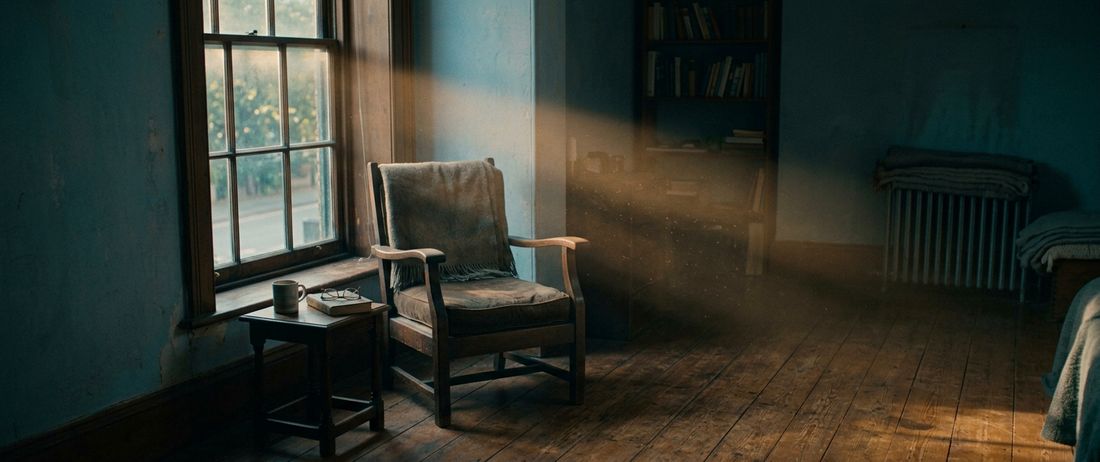
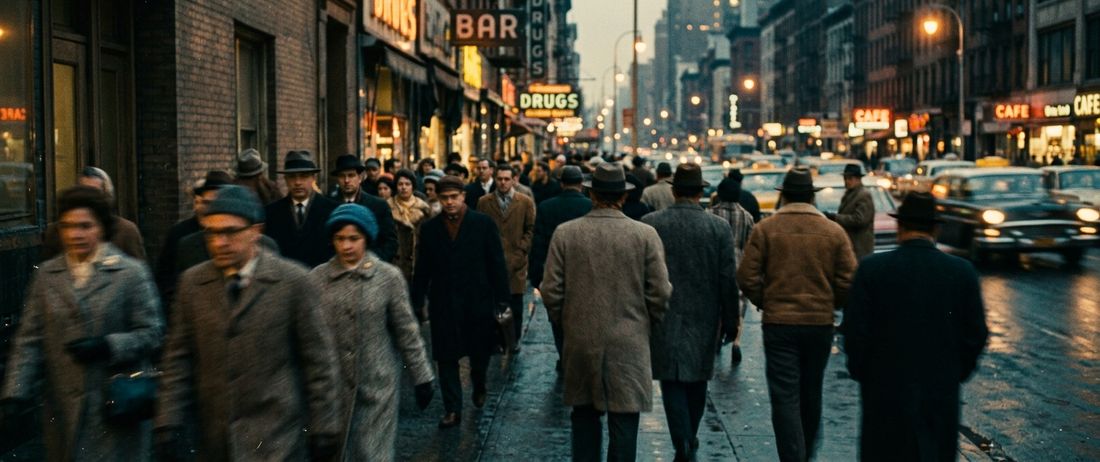
These are generated frames, not stock. They arrived at three different exposures — a spread of 8.4 in mean luma — and were pulled to a common one by the same pass that matches the shots inside your episodes. Spread after: 3.2.


Cut between unmatched sources and the picture steps darker every time you leave a generated shot. That step is the single most common tell of automated video — and it is arithmetic, so we fix it with arithmetic.
03 — The engine
A generator that is superb at faces is mediocre at motion. One that nails archive is useless at type. So we do not marry one — we route every shot to whatever is genuinely best for that shot, and re-route the moment something better ships.
fal · Runway · Replicate · OpenAI · Google Gemini · Anthropic · ElevenLabs · Hume · Hedra · HeyGen · Simli · Sync.so · WaveSpeed · Kie · 302.ai · Hugging Face · Amazon Bedrock · OpenRouter · xAI · and our own GPU fleet
04 — Delivery
The vertical cut is not the widescreen master with the sides chopped off. Each format is laid out for its own frame, with captions inside its own safe area.
05 — Questions
You give us your show's link — an RSS feed, an Apple Podcasts URL or a Spotify URL. PodVideo reads the feed, picks up the episode audio, transcribes and diarises it, plans a shot for every beat, then renders a finished video with captions, cast portraits and b-roll. You never export or upload an audio file.
No. PodVideo ingests by link. It takes the show's RSS feed, Apple Podcasts page or Spotify page and it resolves the episodes for you. Because it reads the feed rather than a single file, new episodes can be picked up automatically as they publish.
Editorial decisions, not just cuts. PodVideo plans the opening frame from the whole episode instead of illustrating the greeting, holds one look across generated and licensed footage, keeps recurring characters consistent, bounds camera motion to a fixed vocabulary, and never fabricates a person in a host's chair.
A typical episode is ready in about the same time as other podcast-to-video tools. The difference is what happens before the clock starts: there is no exporting, no uploading and no file wrangling, because the show arrives as a link.
Any public RSS feed, plus Apple Podcasts and Spotify show links, and Megaphone-hosted feeds. If your show has a public feed, PodVideo can read it.
Yes. The same directed episode exports horizontally for YouTube and vertically for TikTok, Reels and Shorts, with captions laid out inside each format's safe area rather than cropped from the widescreen master.
PodVideo.ai is a Liquid Studios product. Liquid Studios builds content infrastructure — ingesting what you already have and transforming it for every format, platform and discovery system. PodVideo is that infrastructure pointed at one job: podcasts, on screen.
Ready when you are
Send us the feed on a call and we will come back with one episode of your show, directed, before you decide anything.